VScode快速生成vue3代码模板
一、如何创建模板
首先在
VScode编辑器中打开,【文件】–>【首选项】–>【用户片段】–>【新代码片段】–> 取名vue.json确定
把下列代码放进去
{
  // Place your snippets for vue here. Each snippet is defined under a snippet name and has a prefix, body and
  // description. The prefix is what is used to trigger the snippet and the body will be expanded and inserted. Possible variables are:
  // $1, $2 for tab stops, $0 for the final cursor position, and ${1:label}, ${2:another} for placeholders. Placeholders with the
  // same ids are connected.
  // Example:
  // "Print to console": {
  //  "prefix": "log",
  //  "body": [
  //    "console.log('$1');",
  //    "$2"
  //  ],
  //  "description": "Log output to console"
  // }
  "Print to console": {
 "prefix": "vue3",
 "body": [
   "<template>",
   "  <div $1></div>",
   "</template>",
   "",
   "<script setup>",
   "import { ref, reactive, toRefs, onBeforeMount, onMounted, watchEffect, computed } from 'vue';",
   "import { useStore } from 'vuex';",
   "import { useRoute, useRouter } from 'vue-router';",
   "/**",
   "* 仓库",
   "*/",
   "const store = useStore();",
   "/**",
   "* 路由对象",
   "*/",
   "const route = useRoute();",
   "/**",
   "* 路由实例",
   "*/",
   "const router = useRouter();",
   "//console.log('1-开始创建组件-setup')",
   "/**",
   "* 数据部分",
   "*/",
   "const data = reactive({})",
   "onBeforeMount(() => {",
   "  //console.log('2.组件挂载页面之前执行----onBeforeMount')",
   "})",
   "onMounted(() => {",
   "  //console.log('3.-组件挂载到页面之后执行-------onMounted')",
   "})",
   "watchEffect(()=>{",
   "})",
   "// 使用toRefs解构",
   "// let { } = { ...toRefs(data) } ",
   "defineExpose({",
   "  ...toRefs(data)",
   "})",
   "",
   "</script>",
   "<style scoped lang='less'>",
   "</style>"
 ],
 "description": "Log output to console"
  }
}
二、如何使用模板
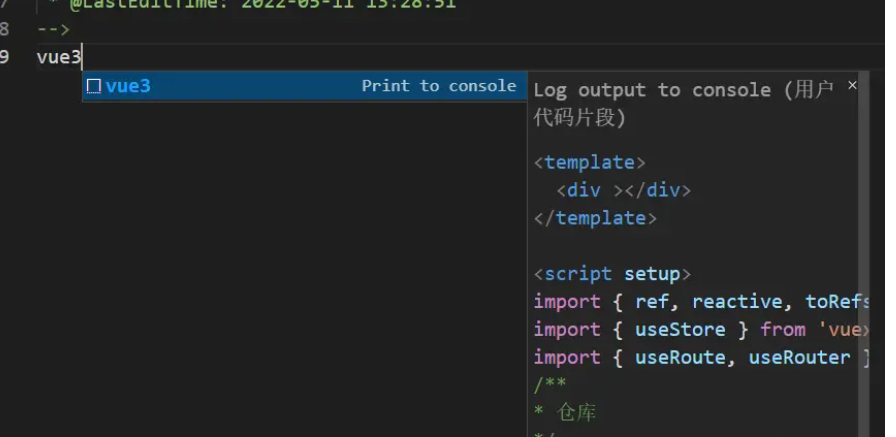
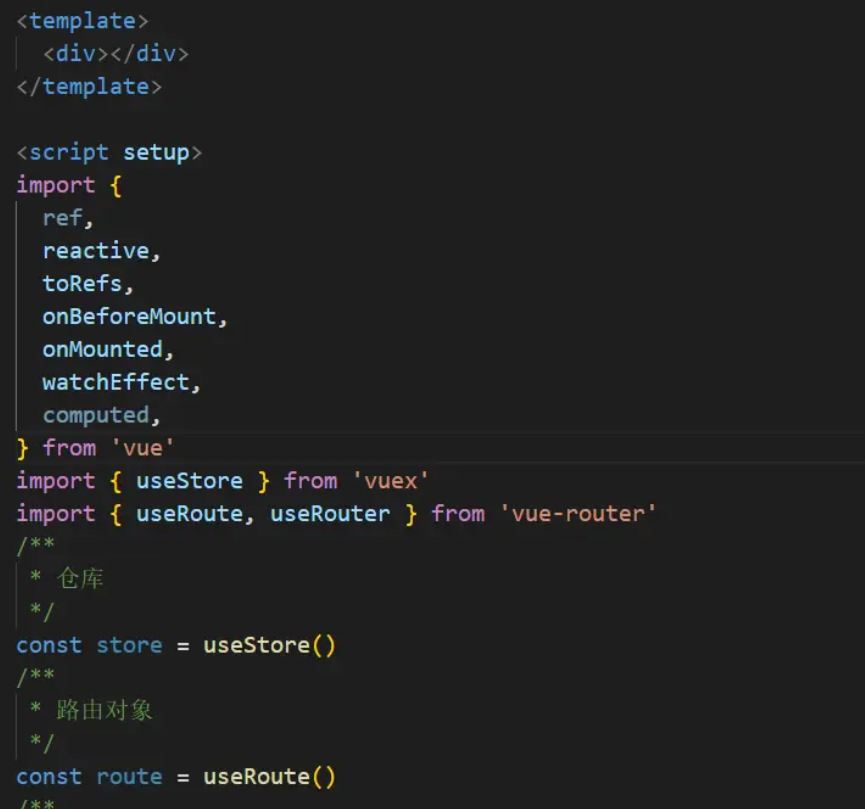
新建vue页面,在文章中输入vue3后,点击回车即可